
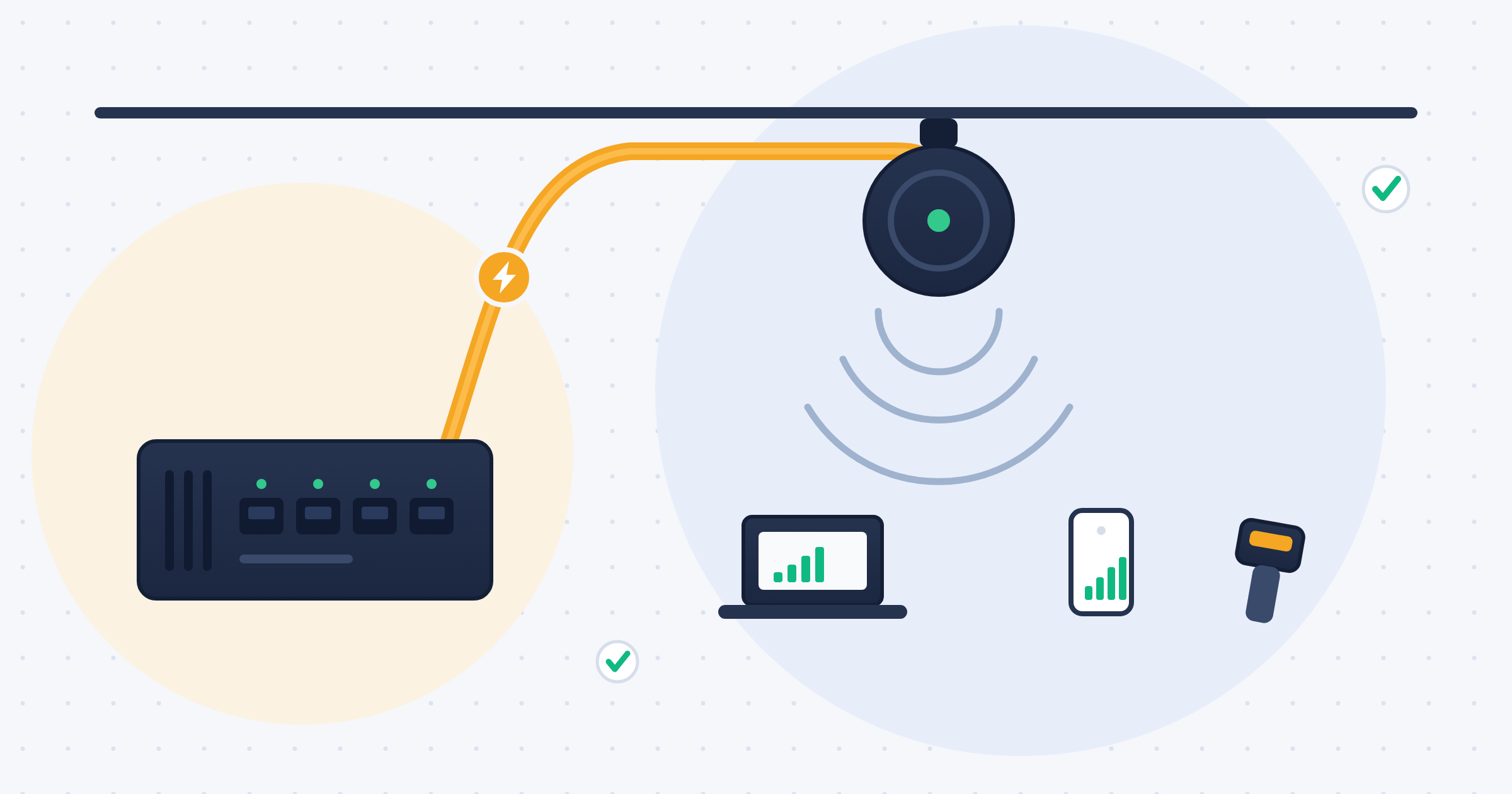
Here's a truth that surprises a lot of business owners: the biggest wireless upgrade of the decade is, underneath it all, a wiring project. Wi-Fi 6E and Wi-Fi 7 promise multi-gigabit wireless speeds — but that wireless traffic doesn't vanish into thin air. Every access point is tethered to the network by a cable, and that cable determines whether the shiny new AP delivers on its promise or chokes on a bottleneck you didn't know you had.
If a wireless upgrade is on your horizon, the most important decisions you'll make aren't about which access points to buy. They're about the wired foundation underneath them. Here's why.
What's New in Wi-Fi 6E and Wi-Fi 7
A quick orientation. Wi-Fi 6 improved efficiency and performance in the crowded 2.4 and 5 GHz bands. Wi-Fi 6E extended Wi-Fi 6 into an entirely new band — 6 GHz — opening up a large swath of fresh, uncongested spectrum with room for wide channels. Wi-Fi 7 goes further still, with even wider 320 MHz channels, denser signal encoding, and Multi-Link Operation, which lets a device use multiple bands at once. The practical upshot is real-world wireless throughput measured in multiple gigabits per second.
That's genuinely transformative — for the client experience. But it relocates the bottleneck.
The Wired Bottleneck Nobody Mentions
An access point capable of multi-gigabit wireless throughput needs a wired uplink capable of carrying that traffic back into the network. Feed a Wi-Fi 7 AP with a single 1-Gigabit cable, and it doesn't matter how fast the radio is — the whole access point is capped at 1 Gigabit, because that's all the wire behind it can carry. You bought a firehose and connected it to a garden hose.
This is why modern access points increasingly ship with multi-gigabit ports — 2.5, 5, or even 10 Gigabit — and why the cable running to each AP suddenly matters enormously. And here's where wireless collides directly with structured cabling: 2.5 and 5 Gigabit can often run over existing Cat 5e or Cat 6 to a full 100 meters, but 10 Gigabit to the full distance requires Cat 6A. So if your plan is to feed high-end Wi-Fi 7 APs at 10 Gigabit, the cable to each of those AP locations likely needs to be Cat 6A — not whatever went in years ago.
Don't Forget the Power
There's a second demand riding on that same cable: power. Wi-Fi 6E and Wi-Fi 7 access points draw more than their predecessors, and most are powered over the network cable via PoE. Many now need PoE+ or the higher-wattage PoE++ standard to run at full capability.
So the cable to each AP isn't just being asked to carry more data — it's being asked to deliver more power, in the same run, often through hot ceiling spaces where PoE heat and high ambient temperature compound each other. The cable feeding a modern access point has two jobs now, and both of them argue for a higher grade of cable, properly installed.
More Access Points, Not Just Faster Ones
There's a density dimension too, and it catches people off guard. The 6 GHz band that makes Wi-Fi 6E and 7 so fast comes with a physics tradeoff: higher-frequency signals attenuate faster and don't penetrate walls as well as lower frequencies. In practical terms, each access point covers a *smaller* area at 6 GHz than you might be used to.
Smaller coverage per AP means you need *more* access points to blanket the same square footage — which means more cable drops. So the cabling budget for a modern wireless deployment grows along two axes at once: a higher grade of cable per drop (Cat 6A to support 10 Gigabit and the PoE load), and a greater number of drops (a denser layout of AP locations). A wireless upgrade that looks like "buy some access points" can quietly be a substantial cabling project.
The Planning Insight: Wire First, Then Go Wireless
The mistake we see most often is buying the access points first and thinking about the cable second. Someone invests in a fleet of new Wi-Fi 7 APs, mounts them to the existing Cat 5e drops installed years ago, powers them on — and is baffled that performance didn't transform. The radio was never the bottleneck. The wire was.
The right sequence is the reverse. Treat a wireless upgrade as a structured cabling project first. Before buying a single access point, ask: What does the cable to each AP location actually support? Is it Cat 6A where you'll want 10 Gigabit? Can it carry the PoE wattage these APs demand? Are there enough AP locations to handle the tighter density that 6 GHz requires? Retrofitting cable *after* the APs are mounted and the ceilings are closed up is exactly the expensive, disruptive job you want to avoid — so plan the wired layer for the wireless you'll want in five years, not just the wireless you're installing today.
A Note for Warehouses and Plants
For the industrial facilities we serve across the Carolinas and Georgia, wireless density is often even more demanding. Warehouses and plants run fleets of wireless devices — barcode scanners, tablets, and increasingly automated equipment — across large open spaces full of metal racking and machinery that reflects and blocks RF signals. That environment drives up the access point count significantly, and every one of those APs needs a properly graded, PoE-capable, tested cable behind it. In these buildings especially, the wireless network is only as good as the wired foundation it's built on — and that foundation has to be planned, not improvised.
Building the Foundation for Fast Wireless
When we design a wireless deployment, we start with the wired layer — because that's what determines the ceiling on everything above it. That means the right grade of cable to each access point location, sized for both the data rate and the PoE load; enough AP locations to deliver the density modern Wi-Fi requires; and 100% certification testing of every link, so you know each cable will actually carry what you're asking of it. All of it backed by our 100% lifetime warranty.
Get the foundation right, and your wireless upgrade delivers what the box promised. Get it wrong, and you've spent money on access points that can't reach their potential.
The Bottom Line
Wi-Fi 6E and Wi-Fi 7 are real, meaningful upgrades — but they're bottlenecked, powered, and ultimately enabled by the cable behind each access point. Faster wireless is, in the end, a wiring story. The organizations that get the most out of it are the ones that plan the wired foundation first: the right cable, in the right places, in enough places, tested and proven.
Wireless is only ever as good as the wire you can't see.